A way to notify a user of something in an unobtrusive way
Regular toast popup on web
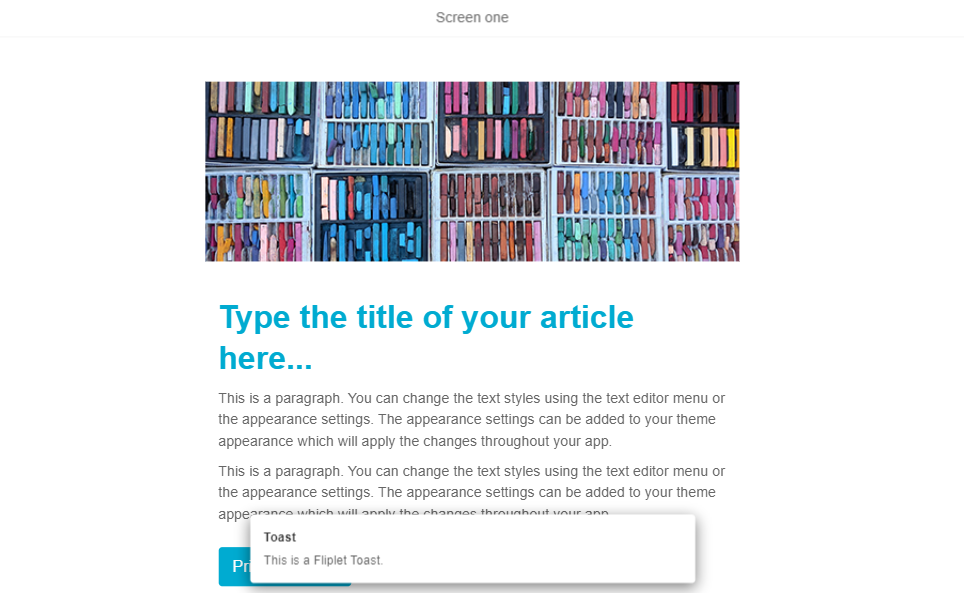
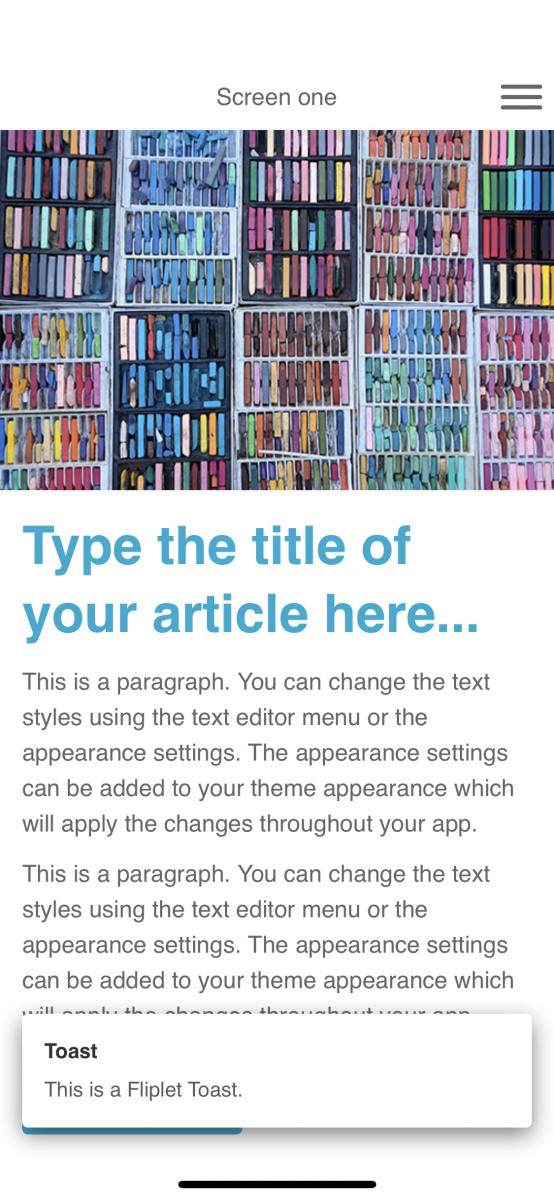
Regular toast popup on mobile
Minimal toast popup on web

Minimal toast popup on mobile
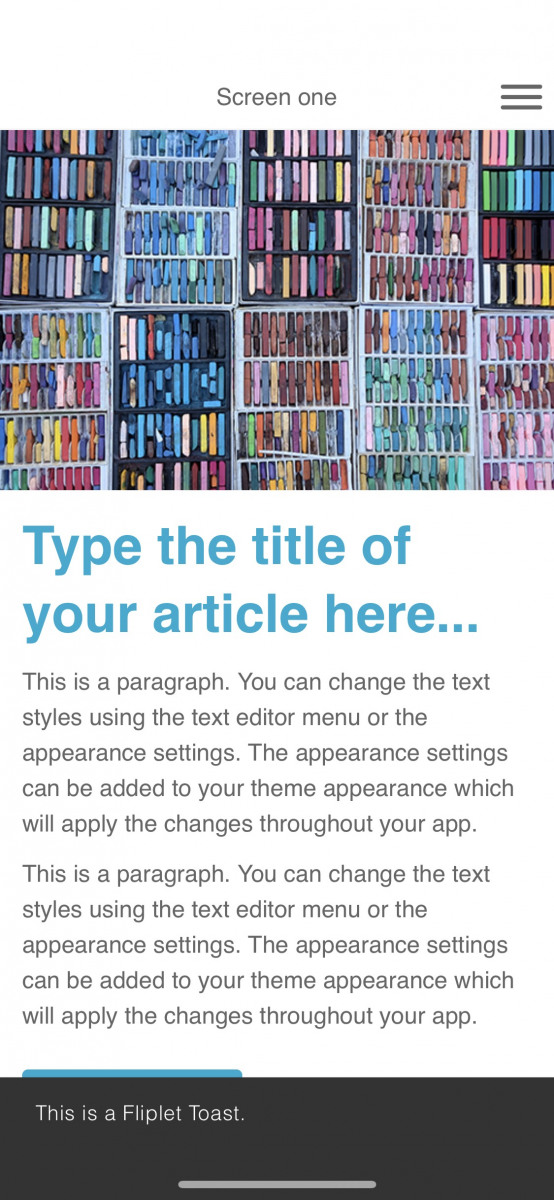
A Fliplet toast is a small non-intrusive message that is displayed on the screen (often at the bottom) and will disappear after a few seconds. It’s similar to other messaging options such as alerts and overlays but has a format, entry animation and style that is useful for messages that inform the user of something without interrupting their use of their app. They typically pop-up into the bottom of the screen like toast from a toaster – hence the name.
The easiest way to fire a toast message is to use the following code. ‘This is a toast’ can be changed to any message you wish to display.
JavaScript
Fliplet.UI.Toast('This is a toast.');
It’s also possible to set additional options on the toast such as:
title– gives the toast message a titlemessage– this is the main content of the messageposition– this is where the toast appears on the screen and can be set to ‘top’, ‘center’ or ‘bottom’type– there are two types of toast Fliplet provides. You can select ‘regular’ that has a white background and appears in the middle of the screen by default. Or you can choose ‘minimal’ which has a black background and appears at the bottom of the screen by default
A full list of the options can be found here.
JavaScript
Fliplet.UI.Toast({
  type: 'regular',
  title : 'Toast',
  message: 'This is a Fliplet Toast.',
  position : 'bottom'
});